Tacit 1.1
21 October 2026
Updates now come from a tested copy of Arch, and sign-ins and open dialogs work in every app.
- Updates install only what Tacit has tested first.
- Sign-ins open in the notch, from Praxis and from other apps.
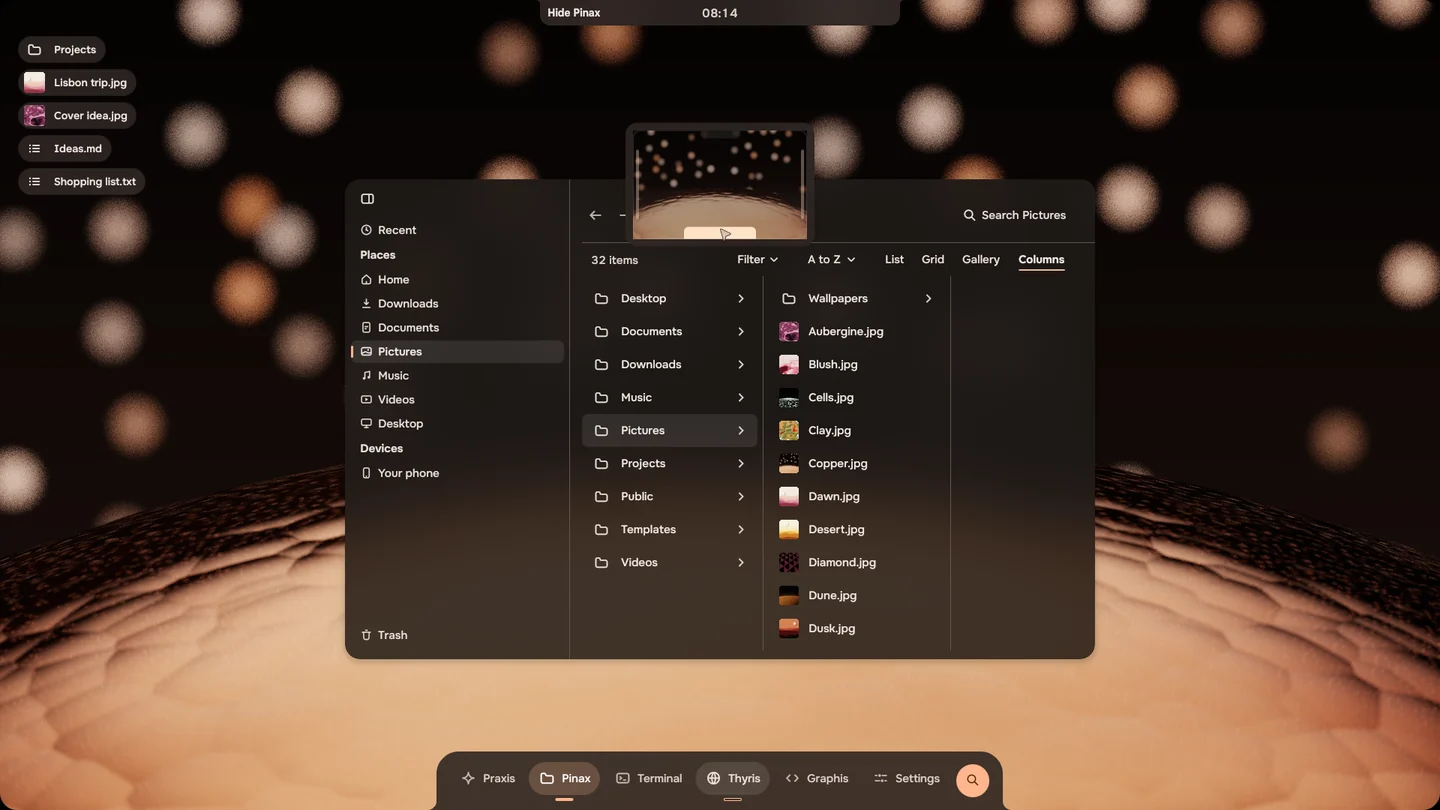
- Choosing a file to open works in browsers and other apps, and so does Show in folder.
- Thyris: Make default works, and a two-finger swipe goes back and forward.
ISO for this release: tacit-2026.10.21.1-x86_64.iso · 3.2 GB (made for 1.1; the fixes below arrive as an update)
All changes in 1.1
- Updates come from a copy of Arch that Tacit has tested: Restart installs only what Tacit has tested.
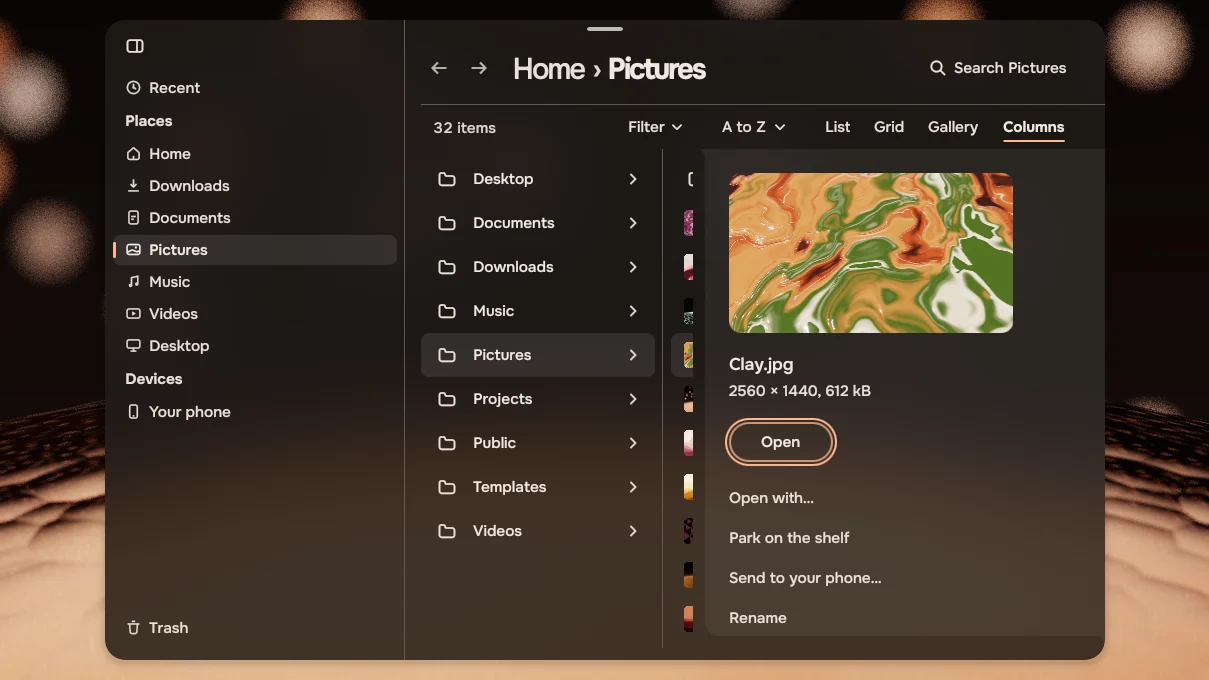
- Choosing a file to open works in browsers and other apps, and so does Show in folder.
- Sign-ins open in the notch, from Praxis (Claude, Codex, ChatGPT) and from other apps.
- Thyris: Make default works, a second sign-in no longer closes it, and a two-finger swipe goes back and forward.
- The wallpaper is sharp unless you blur it with the new switch in Settings > Wallpaper, and Settings remembers the folder you picked it from.
- On a new account, colours follow a new accent at once, and a lock screen picture no longer recolours the desktop.
- Clicking a notification brings its app forward, and a chat message the same as the one before still shows.
- The see-through choice in Settings > Appearance changes the apps' windows.
- Restart installs the update even when it was pressed while the update was still downloading.
- Media keys work, and Graphis opens the file you asked for.
- Programs that ask which system you run now hear Tacit instead of Arch Linux.
- On computers with NVIDIA graphics, sleep and wake work better.
Fixes: 1.1.1 to 1.1.7
Tacit 1.1.724 October 2026
Apps in the background, and a browser that recovers.
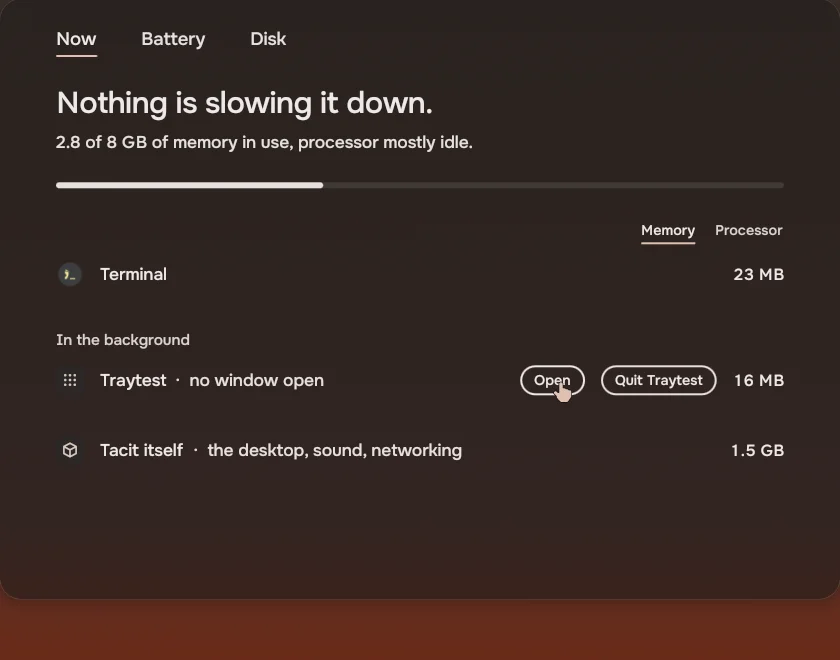
- Activity shows the apps still running after you close their window, under In the background. Quit ends one; an app with a tray icon, like Discord or Steam, also has Open. Activity opens again: since 1.1.2 it did not start.
- Apps like Discord and Steam keep their tray icon, so they can run in the background as they do elsewhere.
- Thyris opens even when an earlier Thyris has stopped answering: the stuck one is closed and a new one starts with your pages.
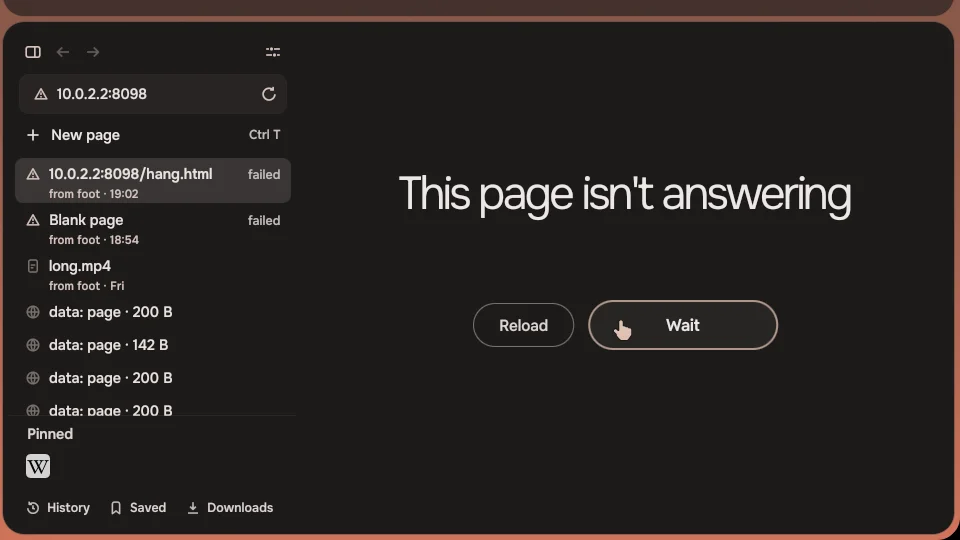
- A page that stops answering in Thyris says so, with Wait and Reload, and the rest of Thyris keeps working.
- When an app stops answering, Close it in the notch closes it for sure, and the notch clears once the app is gone.
- Thyris: Settings, Find on this page and Reader view show their symbols instead of words.
Tacit 1.1.624 October 2026
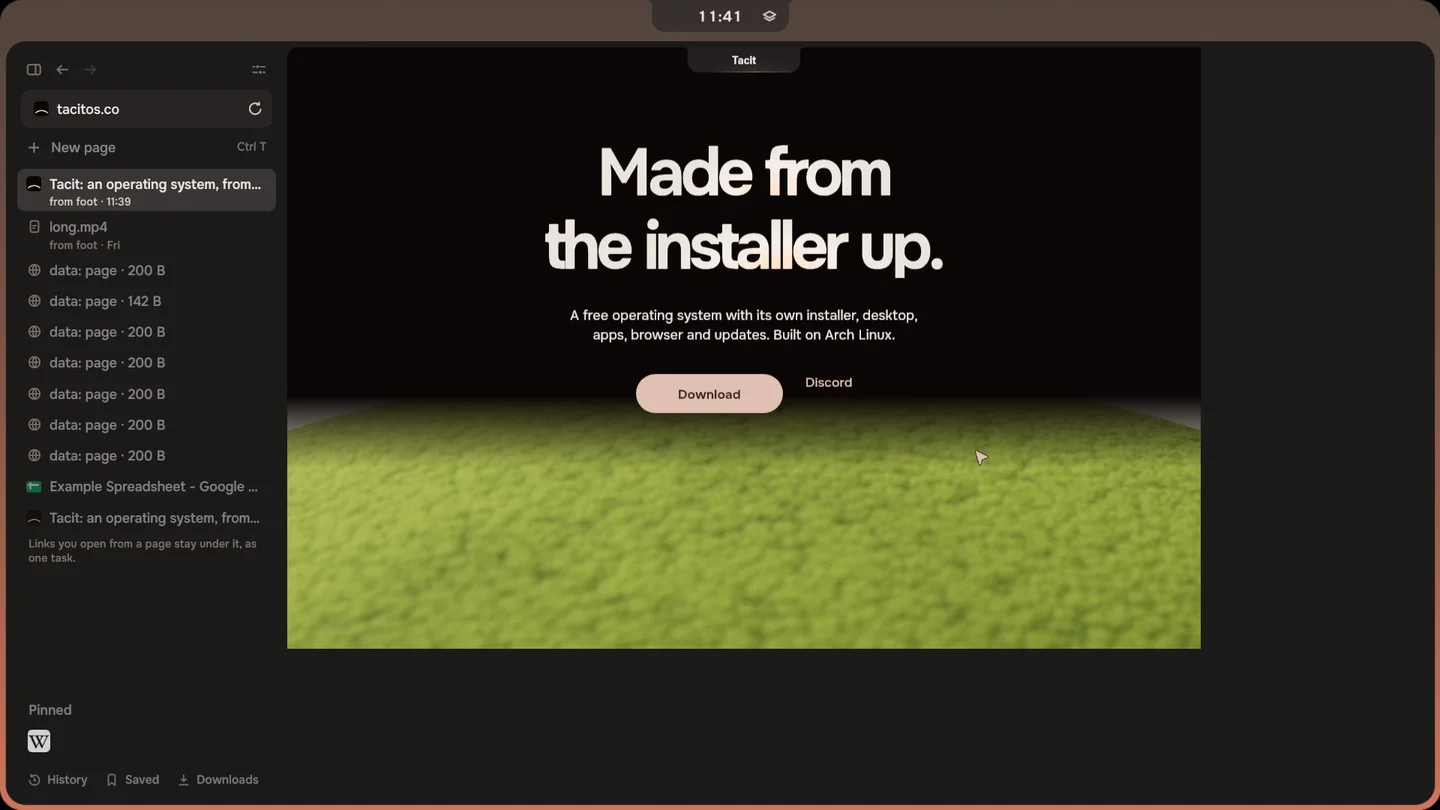
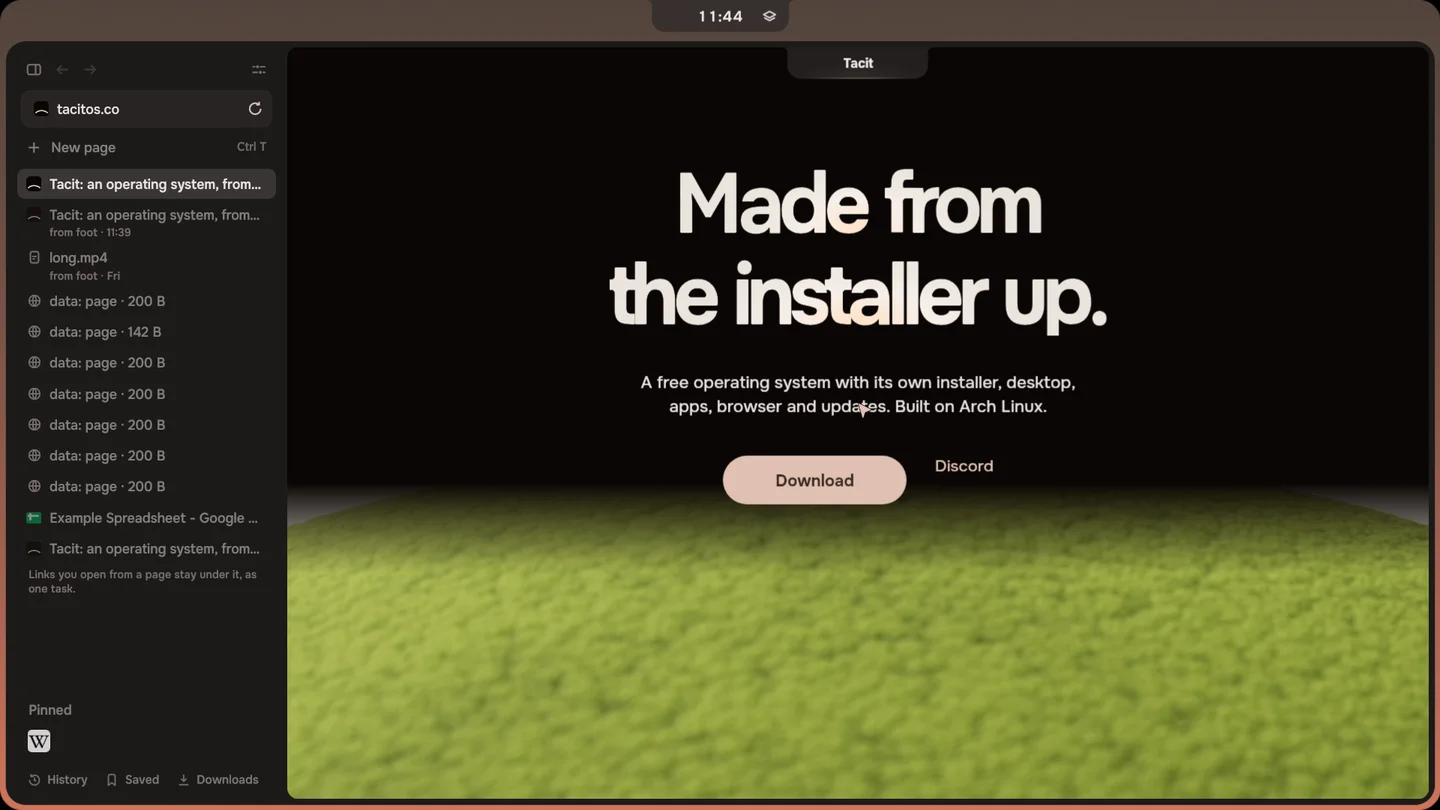
Thyris fills its window on screens set to 125 % or more.
- Thyris fills its window on a screen set to 125 %, 150 % or 200 %. On those screens a page was drawn in the top left of the window, with a dark band beside and below it.
- Praxis shows commands and what they printed as written. A command with HTML in it was drawn as formatted text and spilled over the steps around it.
Tacit 1.1.524 October 2026
Restart is safe when an update didn't finish, and Setup lets you try Tacit first.
ISO for this release: tacit-2026.10.24.1-x86_64.iso · 3.2 GB
- Restart for an update no longer restarts the computer when the update couldn't finish downloading. The notch and Settings say so, and nothing is changed.
- Setup on the stick no longer waits forever for a Wi-Fi network that doesn't answer.
- Setup on the stick has Try Tacit first: it closes Setup so you can try Tacit without installing it. Install Tacit in the launcher opens Setup again.
- Apps shows how many updates an app that needs them first brings with it. It said 0.
- A file dropped on the notch shows at the front of the shelf. Once the shelf held more than four, a new file only changed the count.
- When something fails, Tacit says what happened in plain words: Wi-Fi that can't join, Praxis when its background service is away, and the desktop or Dictation when it stops.
- Settings > Updates keeps the time of the last check up to date while the page is open.
Tacit 1.1.424 October 2026
Logging out brings back the sign-in screen.
- Logging out brings back the sign-in screen. It left a black screen until the computer was restarted.
Tacit 1.1.323 October 2026
Power modes, windows that keep moving while shared, and thumbnails in Files.
- A window you share in a call or in Discord keeps moving when you switch to another workspace or app, instead of freezing on its last frame.
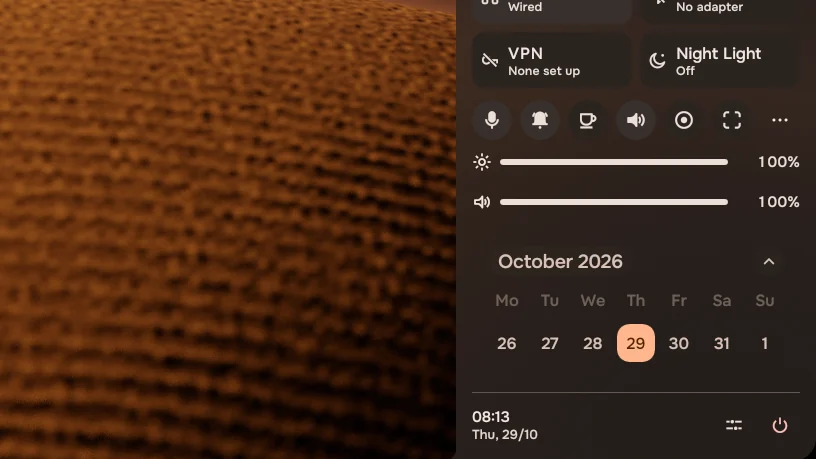
- Settings > Display & power has a power mode for the charger and one for the battery, as on Windows: Fastest, Balanced or Saves battery. The Power mode button in the control panel changes the one in use.
- Windows, the notch and the terminal stay as easy to read on light wallpapers as on dusk: the glass darkens to suit the wallpaper.
- A video or picture on its own in the viewer no longer shows a frame of the desktop around it.
- Thyris: Ctrl and the scroll wheel, or a pinch on the touchpad, zoom the page.
- Thyris: when a pinned site has moved off the page you pinned, that page shows under Pinned, and the home button there takes it back.
- VS Code, LibreOffice and other apps from Apps can open your files and USB drives, and an app that needs an update before it installs says so instead of failing.
- Emoji show in the emoji picker (Super+.) and the launcher on new accounts.
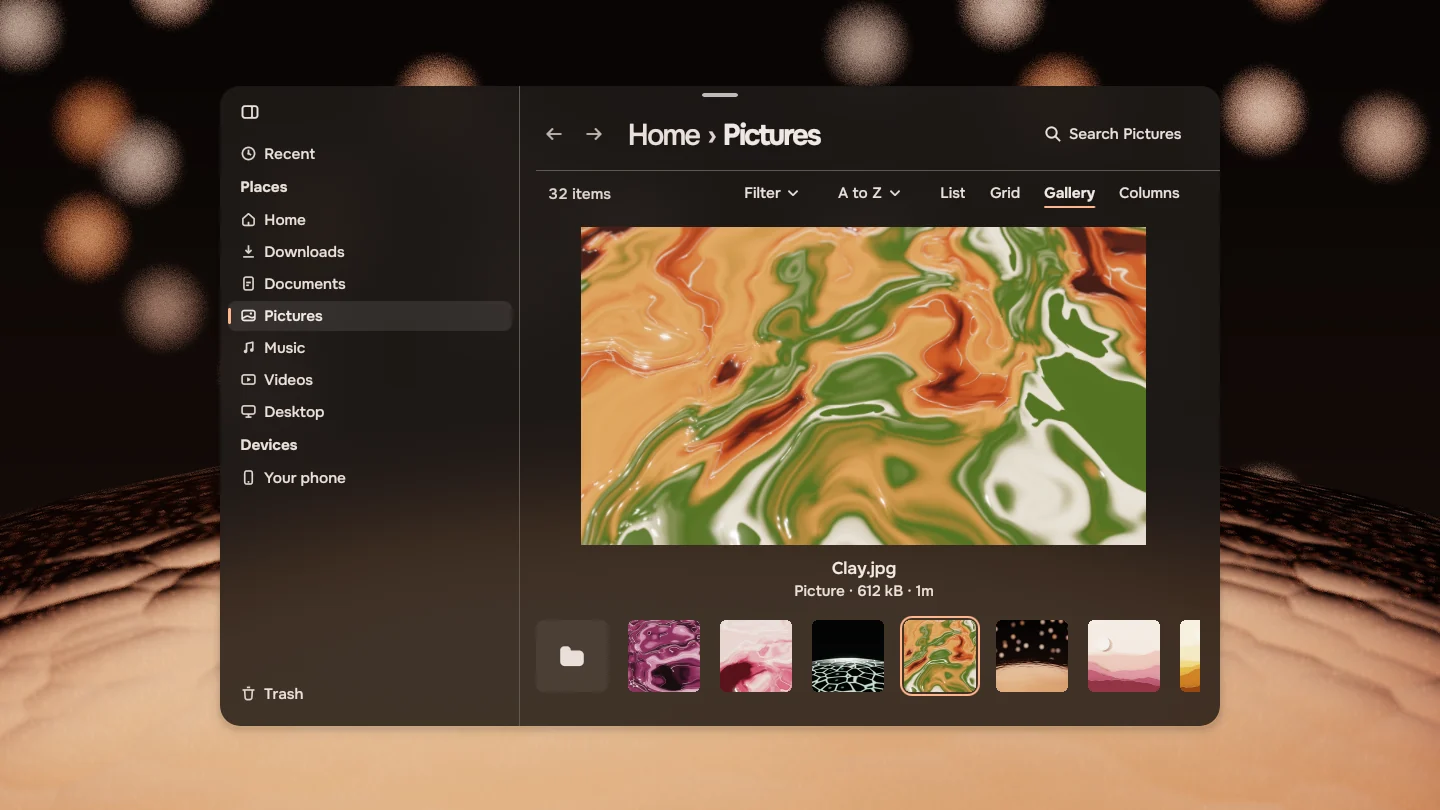
- Files shows thumbnails of new pictures and of videos.
- The music icon in the notch brings Thyris forward when Thyris is playing.
- Settings shows previews of wallpapers whose names have #, ? or % in them, and saves a new wallpaper at once, so a restart right after keeps it.
Tacit 1.1.222 October 2026
The sunset on shutdown, a touchpad speed of its own, and Bluetooth security fixes.
- A picture opened from Files comes up in front of it, in the middle of the screen.
- The sunset plays when you shut down or restart. Shutting down no longer waits five seconds, and no text flashes on the screen at the end.
- The touchpad has its own speed in Settings > Keyboard & touchpad, apart from the mouse, and speeds are shown in words.
- Tacit's own wallpapers, the 14 Horizons, are in Pictures > Wallpapers and in Settings > Wallpaper, on accounts that had no Wallpapers folder yet.
- Games and other older apps show Tacit's pointer instead of a plain grey arrow.
- Bluetooth has the security fixes made since its last release, among them two that someone nearby could use.
- Passphrases for SSH keys and signing ask in the notch again instead of failing at once.
Tacit 1.1.121 October 2026
Screen recording in the notch.
- Screen recording lives in the notch: press Super+Shift+R, or find Screen recording in the palette, and record the whole screen, an area or a window, with or without sound. The notch shows the time while it records, and a click stops it.
- Praxis works with the newest opencode: it runs opencode sessions again, and signs in to more providers.
- Copy, cut and paste in Files always paste what you copied last, from any window or app.
- Thyris: a sideways swipe in Google Sheets and other pages that scroll sideways on their own no longer goes back a page.
- The notch makes room for a 12-hour clock, so AM and PM no longer run into what is shown beside it.